
Annotate PDF as an Alternative to Adobe Acrobat: What You Can Do for Free
Introduction
Adobe Acrobat has long been the standard tool for working with PDFs.
But “standard” does not always mean “convenient.”
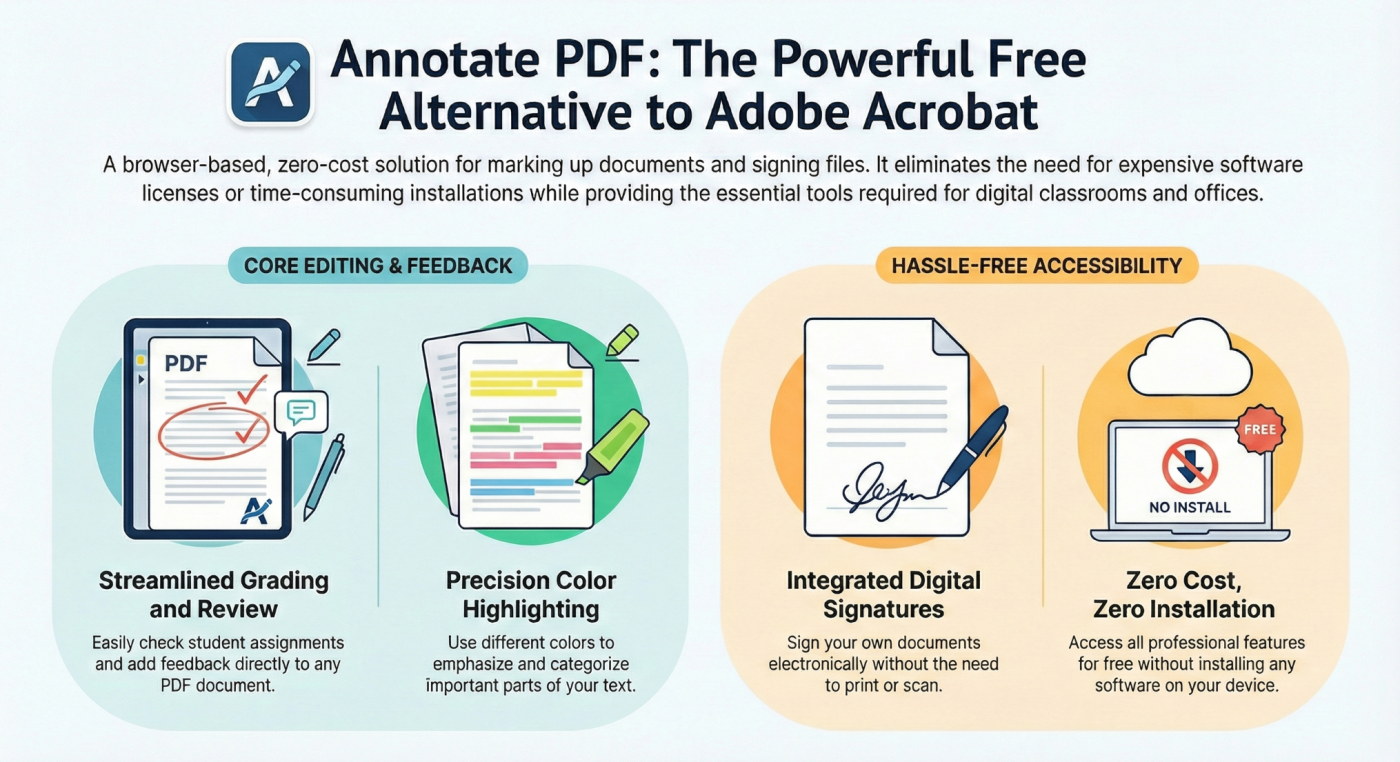
We ran our own small investigation and found that regular users (students, teachers) mostly need a tool for simple PDF tasks such as: reading a file, highlighting text, leaving comments, and signing documents.
When these basic actions require a heavy program and a paid subscription, the question of an alternative naturally arises.
Annotate PDF covers these basic use cases for free.
In this article, we’ll look at what the free version of Adobe Acrobat Reader can actually do and why more and more users are searching for a replacement.
What the Free Adobe Acrobat Reader Can Do
Adobe Acrobat offers a free version with limited functionality and an overcomplicated interface.
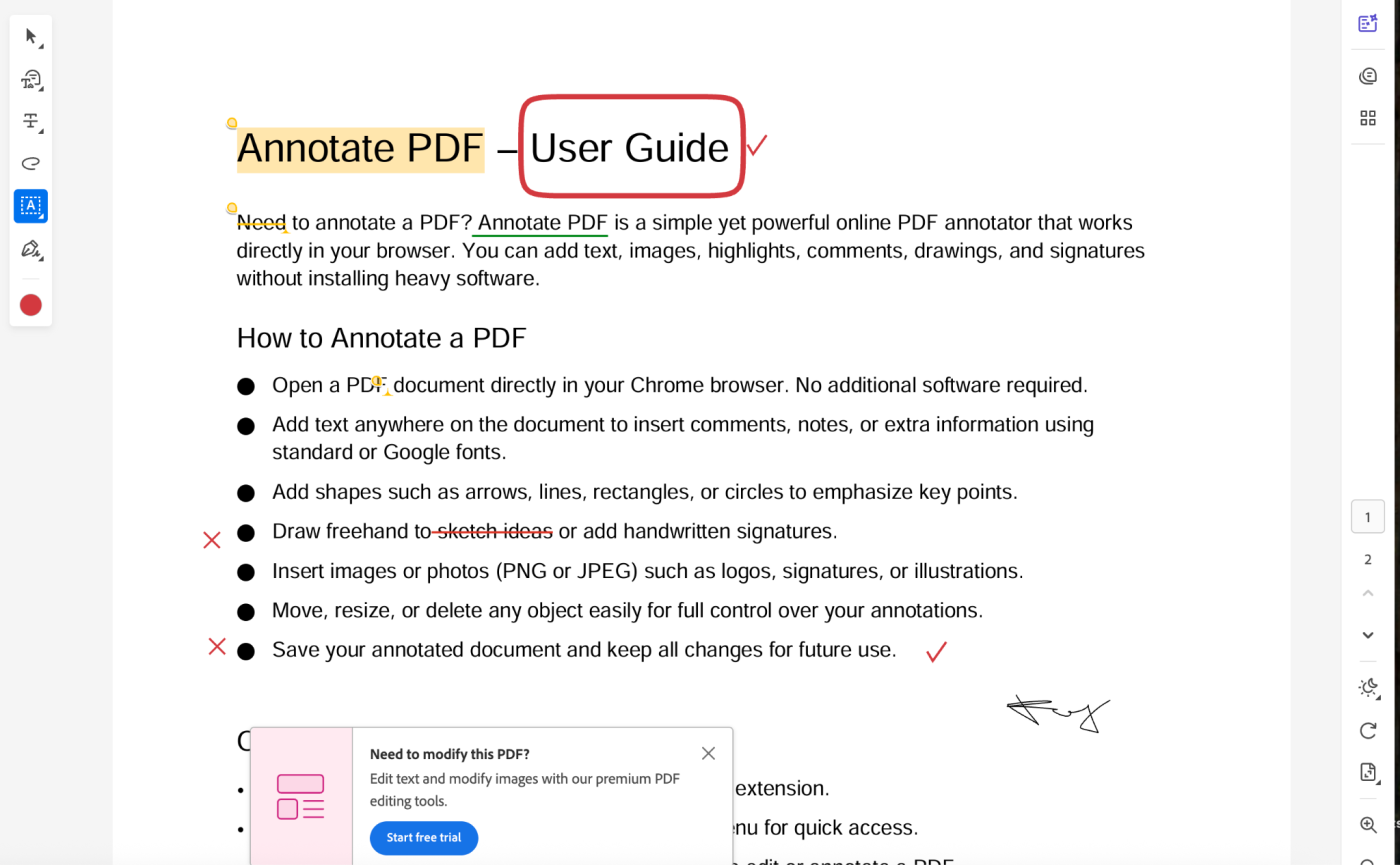
What’s available without a subscription
- View PDF files
- Print documents
- Zoom pages
- Highlight text
- Add comments
- Sign documents
What’s not available for free
- Inserting images
- Full work with forms
- Hiding sensitive information
- Bulk deletion of objects
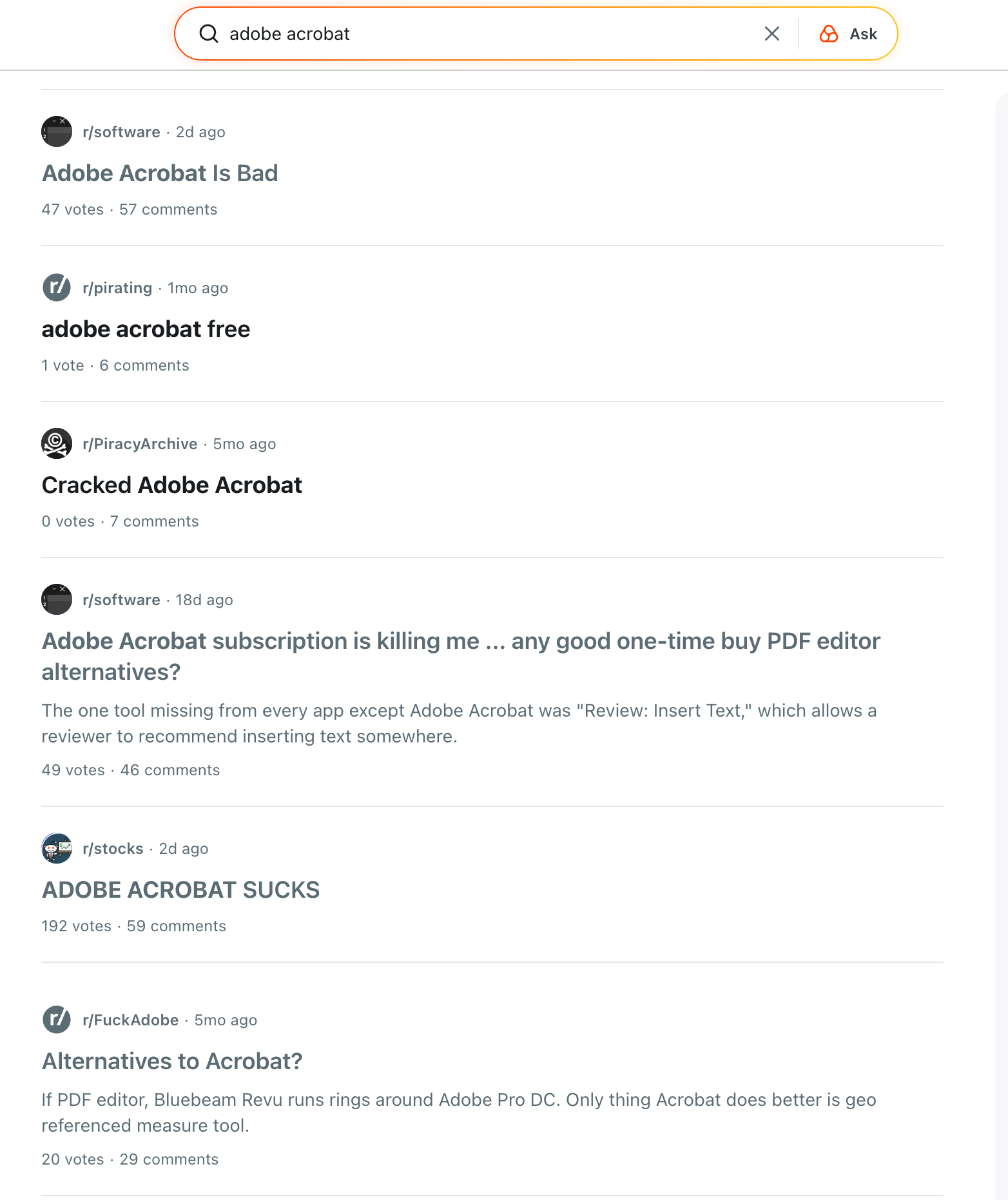
We collected the main reasons why people stop using Adobe Acrobat, which are frequently discussed on Reddit:
- high subscription cost
- overloaded and complex interface
- slow performance with large PDF files
- the need to install heavy software
- features that are rarely used but must be paid for continuously
Conclusion: Acrobat is too complex for annotations and comments
Users need a simple tool that:
- Opens quickly on any device
- Works in any browser
- Allows writing and highlighting
- Does not require registration or payment
Annotate PDF as an Alternative to Adobe Acrobat
Annotate PDF solves the exact tasks for which most people open Adobe Acrobat.
It is an online PDF annotation tool.
It works directly in the browser and requires no installation.
What you can do in Annotate PDF for free:
- Add text anywhere in the document
- Highlight important sections
- Leave comments next to mistakes
- Draw arrows, frames, and notes
- Insert a signature
- Remove elements with an eraser
- Clear all edits in one click
The service does not replace a professional PDF editor.
It replaces everyday use of Acrobat Reader and some tasks of Acrobat Pro.
Here’s what users say about Annotate PDF


Comparison: Annotate PDF vs Free Adobe Acrobat Reader
Conclusion
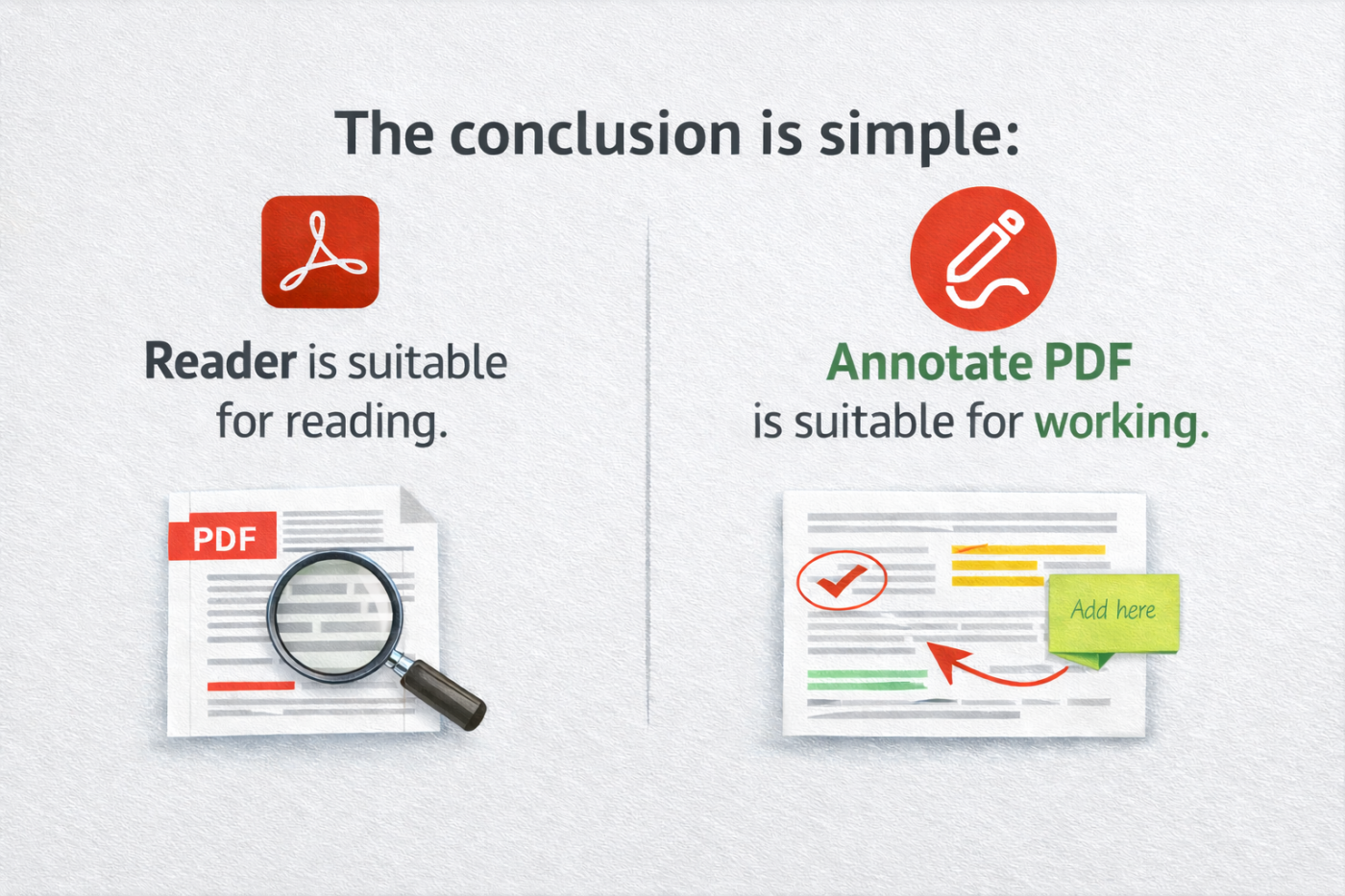
Adobe Acrobat remains a powerful tool, but it is too complex for everyday users who simply need to:
➤ Quickly comment on a PDF
➤ Check a student’s assignment
➤ Highlight important parts using different colors
➤ Sign a document with their own signature
➤ Do all of this without installation or payment
Annotate PDF covers these scenarios for free.