Comparison of top Google PDF annotators
There are many different PDF tools on the market.
We did a small research to find the most convenient tool for PDF annotations.
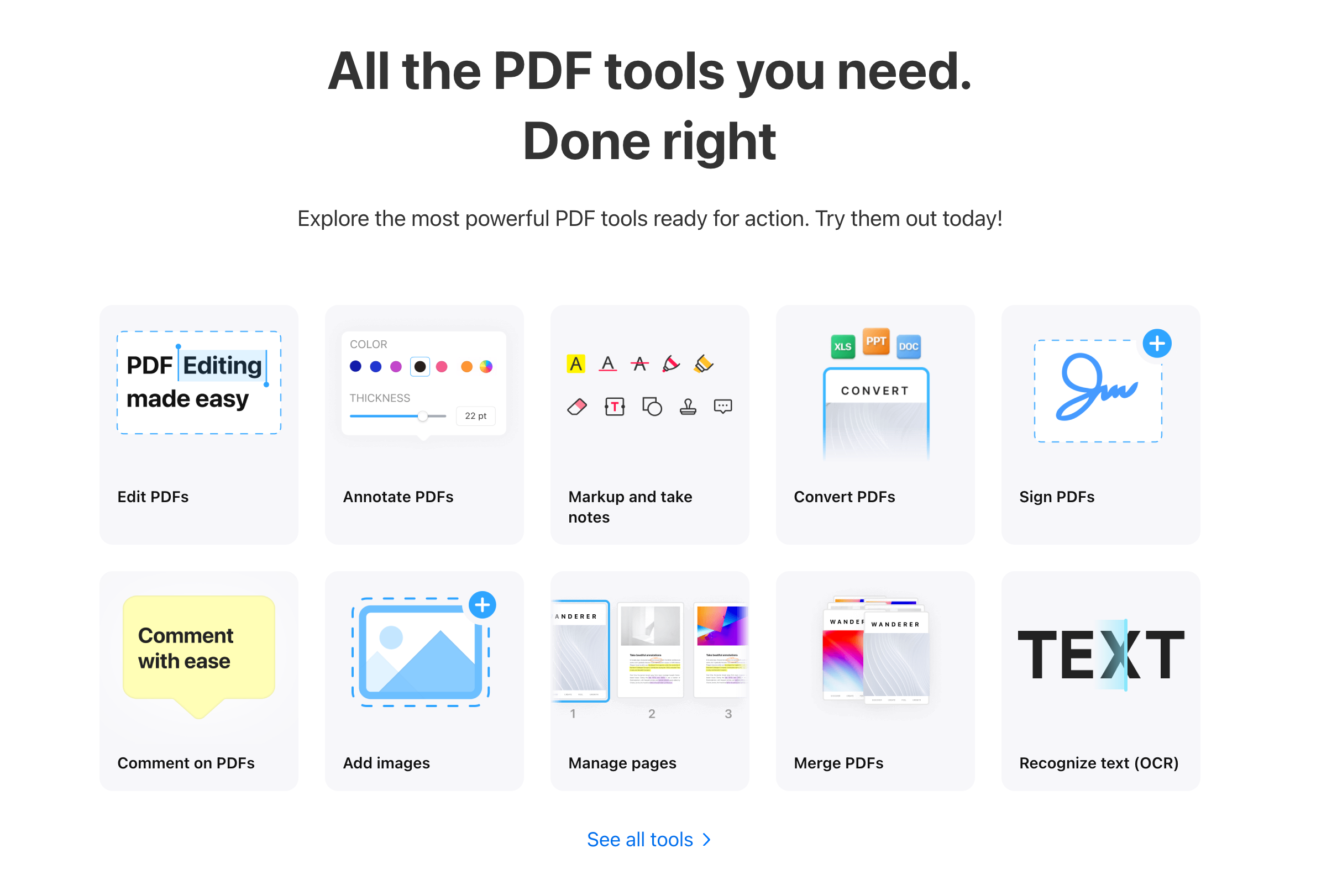
PDF Expert
This tool is similar to Adobe Acrobat, but a bit more user friendly. It allows not only PDF annotations, but also editing.
Cons:
- You need to install it on your computer
- Works only on iOS
- Paid subscription for features you may not need
PDFaid
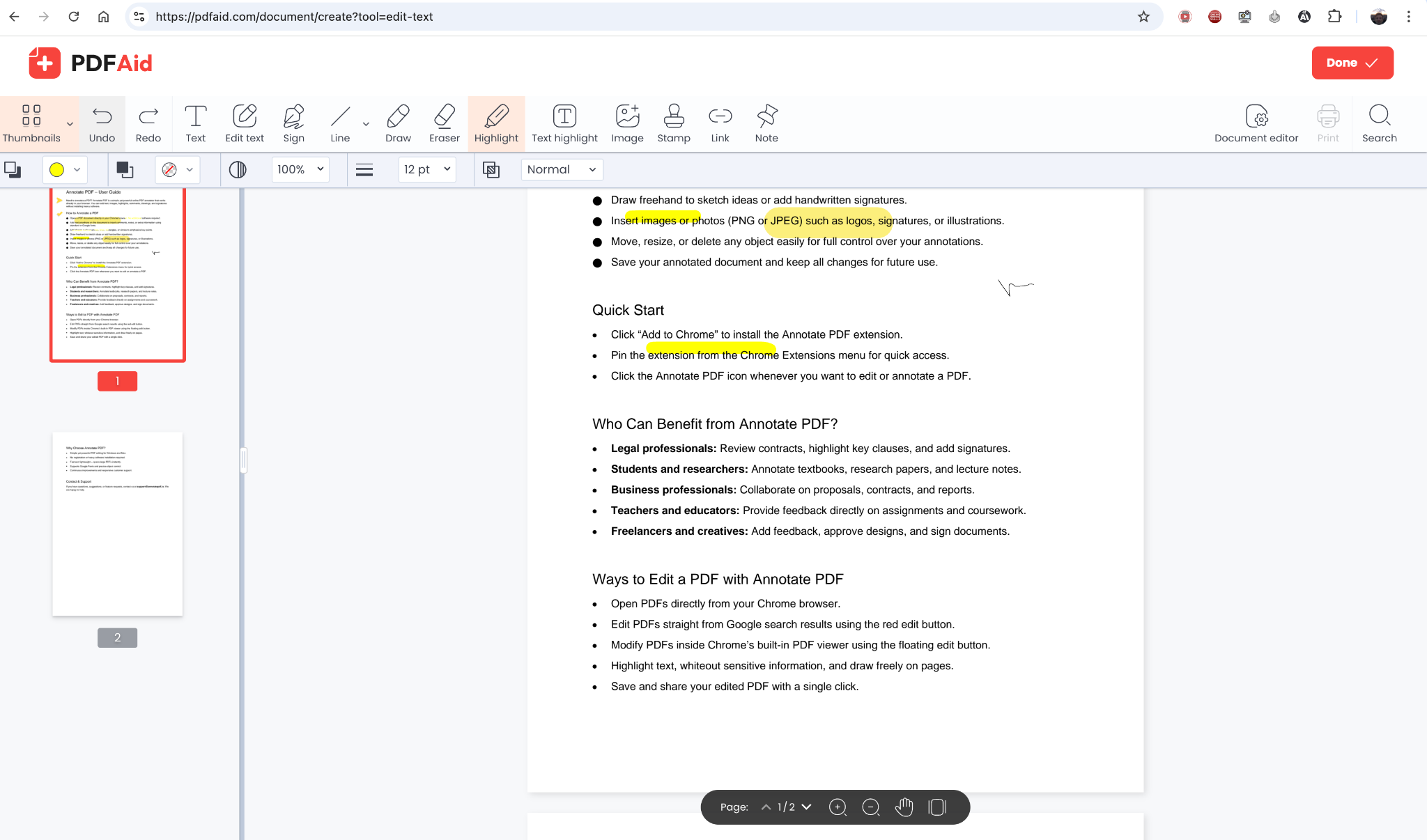
A nice online editor with clear onboarding. It has all basic annotation tools and even a PDF text editor.
There are many settings in the tools, which makes it harder to learn. But if you need them, it may be worth the time.
Cons:
I was not allowed to download the edited file. Registration was required on the first try.
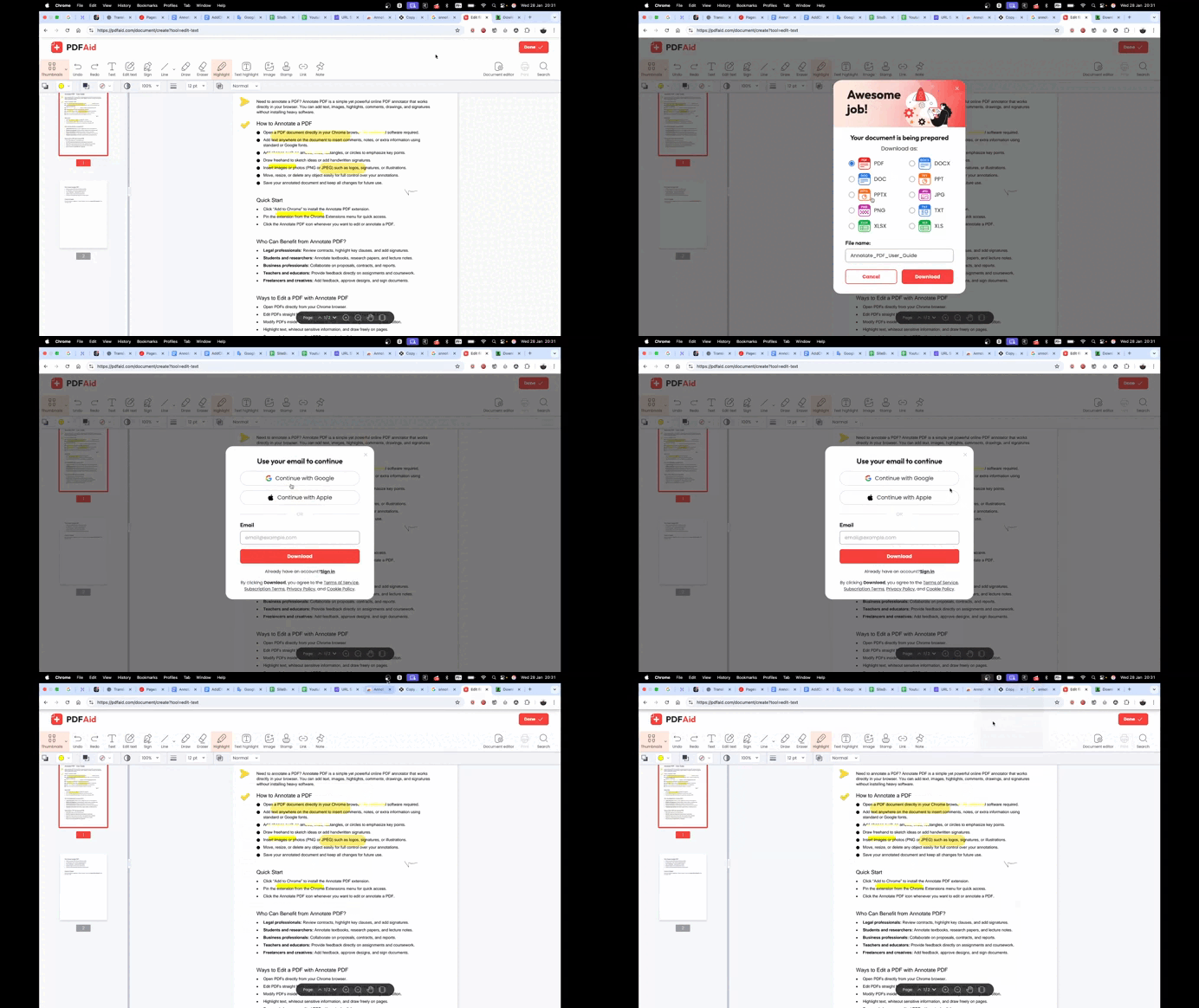
After registration, I was immediately asked to buy their product, without even showing the result of my annotations.
There was no warning before starting that the service is paid and that you cannot download the result after spending an hour on the document.
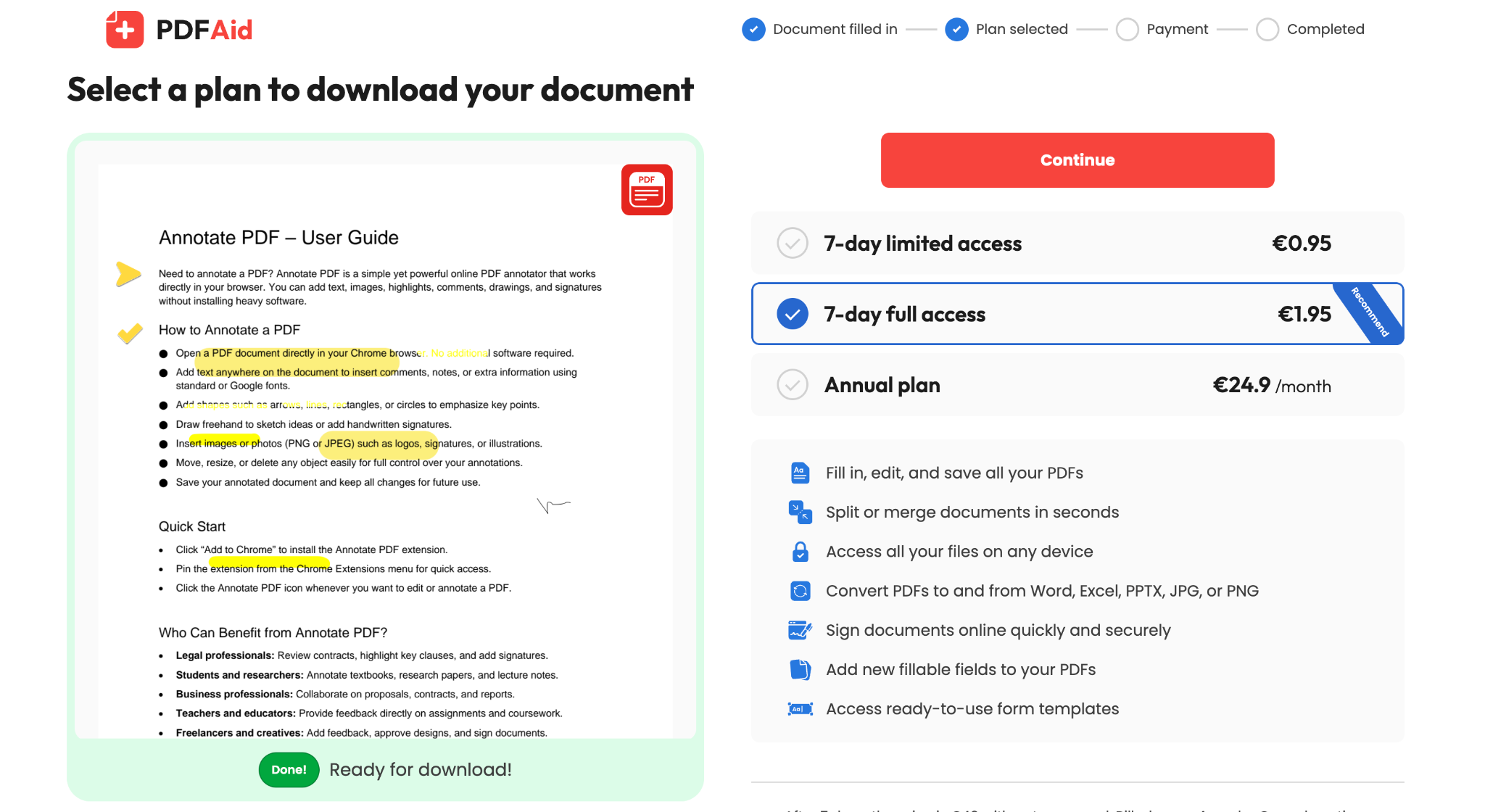
This feels close to a scam, and I really dislike using such unfair services.
Files-editor
Another PDF editor with annotation tools. There are many tools, but everything feels overcomplicated.
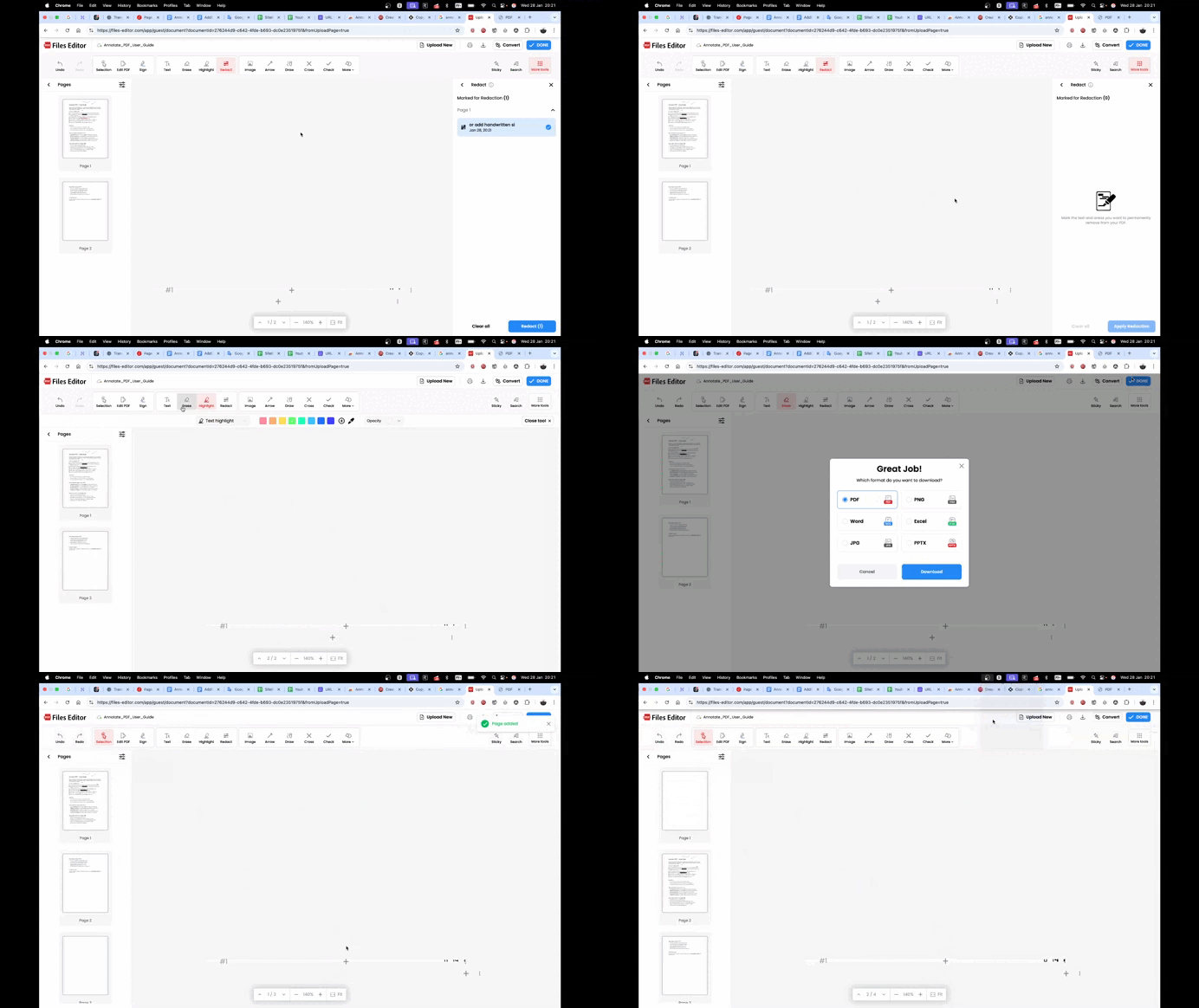
I clicked the Redact tool and got stuck in that mode. I could not exit it and had to reload the page and start over.
As with the previous editor, payment was required when trying to download the edited document.
We understand that developers want to earn money, but this approach pushes users away and makes you not want to pay on principle.
LiquidText
A professional annotation tool for people who work a lot with PDF files.
It does more than simple annotations. It helps reveal connections between notes, like working on paper but more advanced.
It has a collaboration mode, which is useful for team work, for example for lawyers.
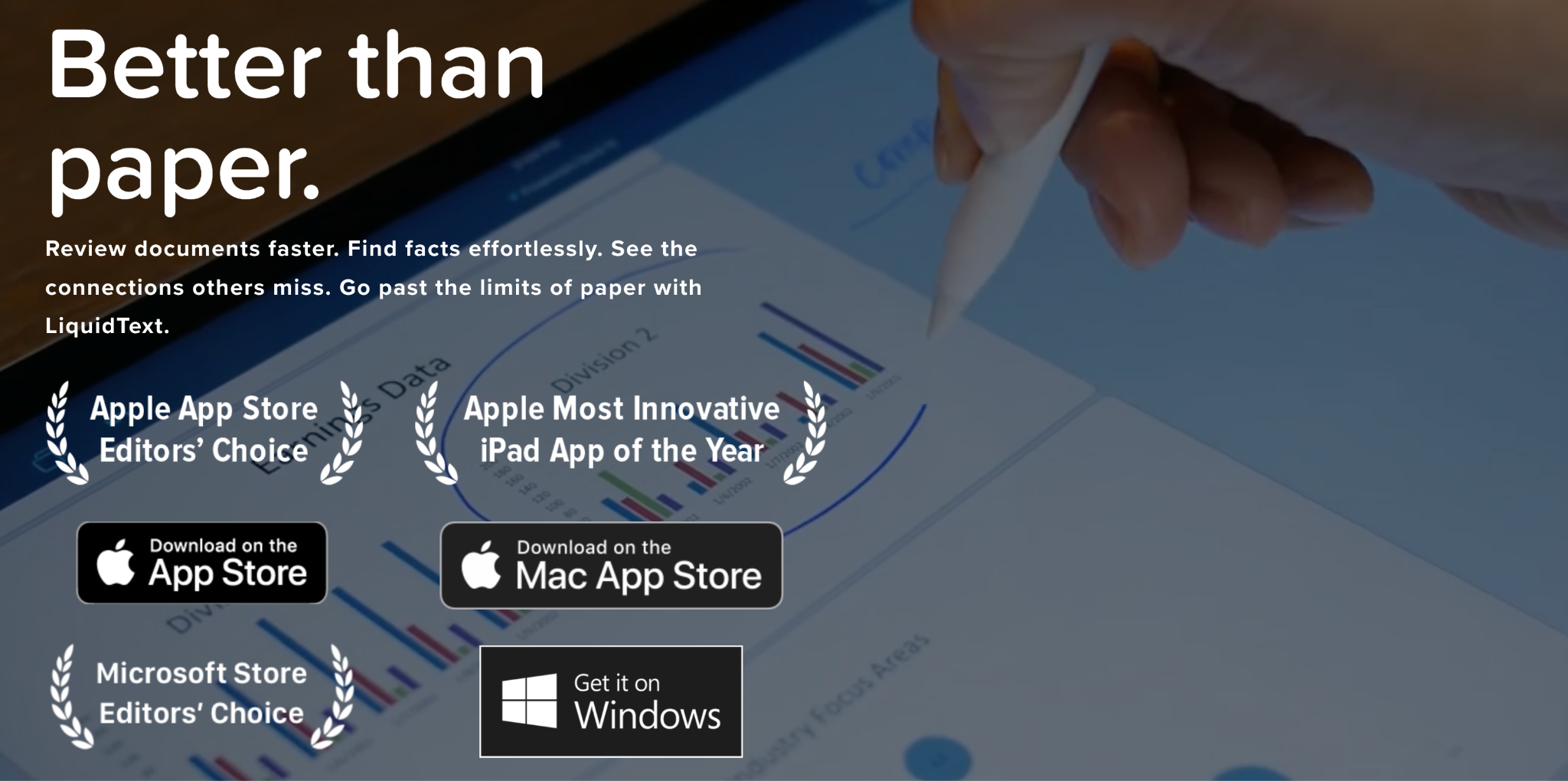
It has many tools, like Photoshop, so it may take a few hours or even days to learn.
You can install it on both iOS and Windows.
Cons:
- You need to install extra software
- A tablet with a stylus is recommended for best experience
Annotate PDF
A simple and clean annotation tool. It has all the necessary tools without unnecessary features.
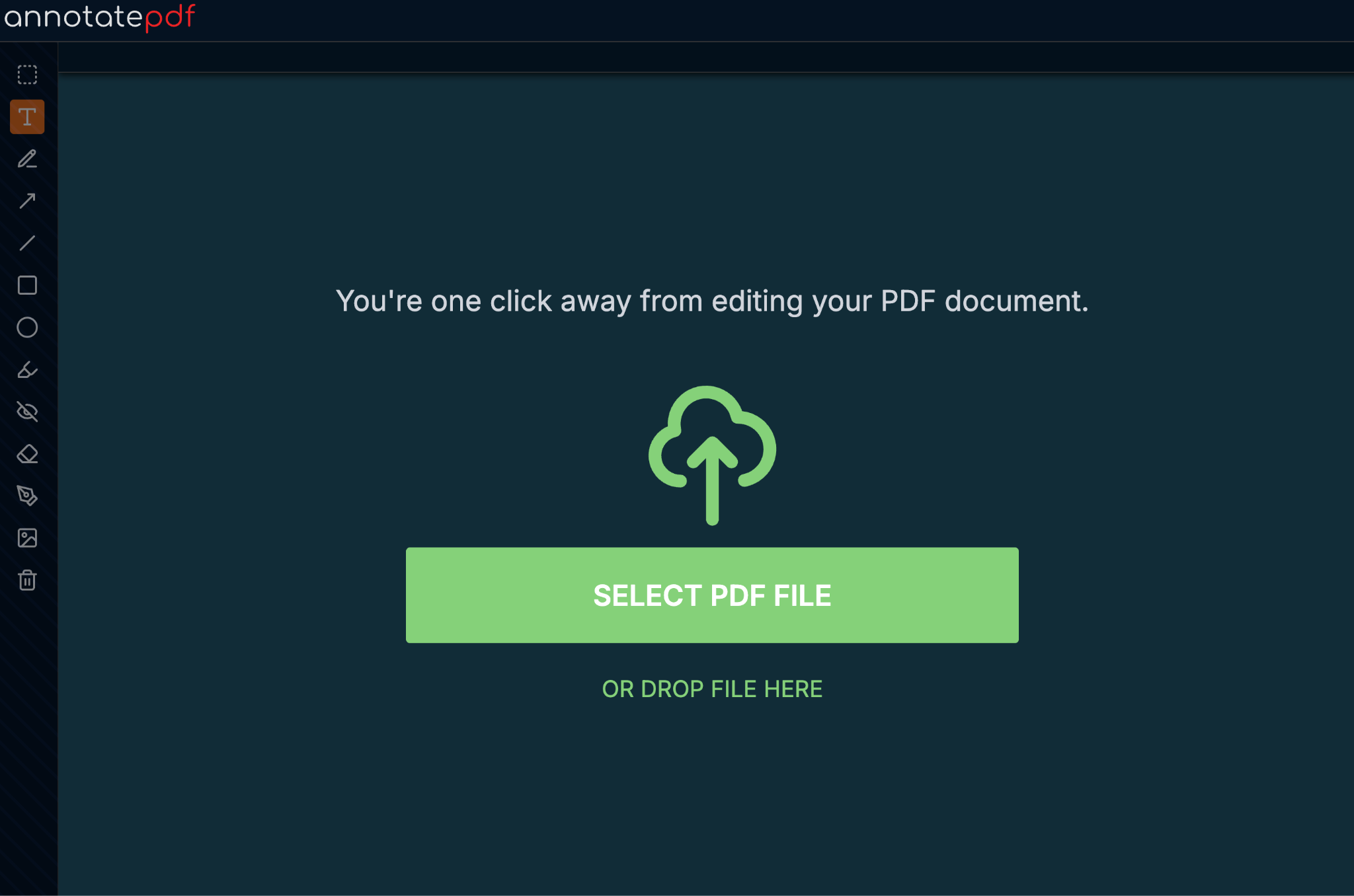
It does not force payment on first use. It works for free to give maximum value to users.
Great for students, teachers, and anyone who needs to quickly annotate PDFs without installing software, directly in the browser.
There is also a handy Google Chrome extension, so it is always available.